

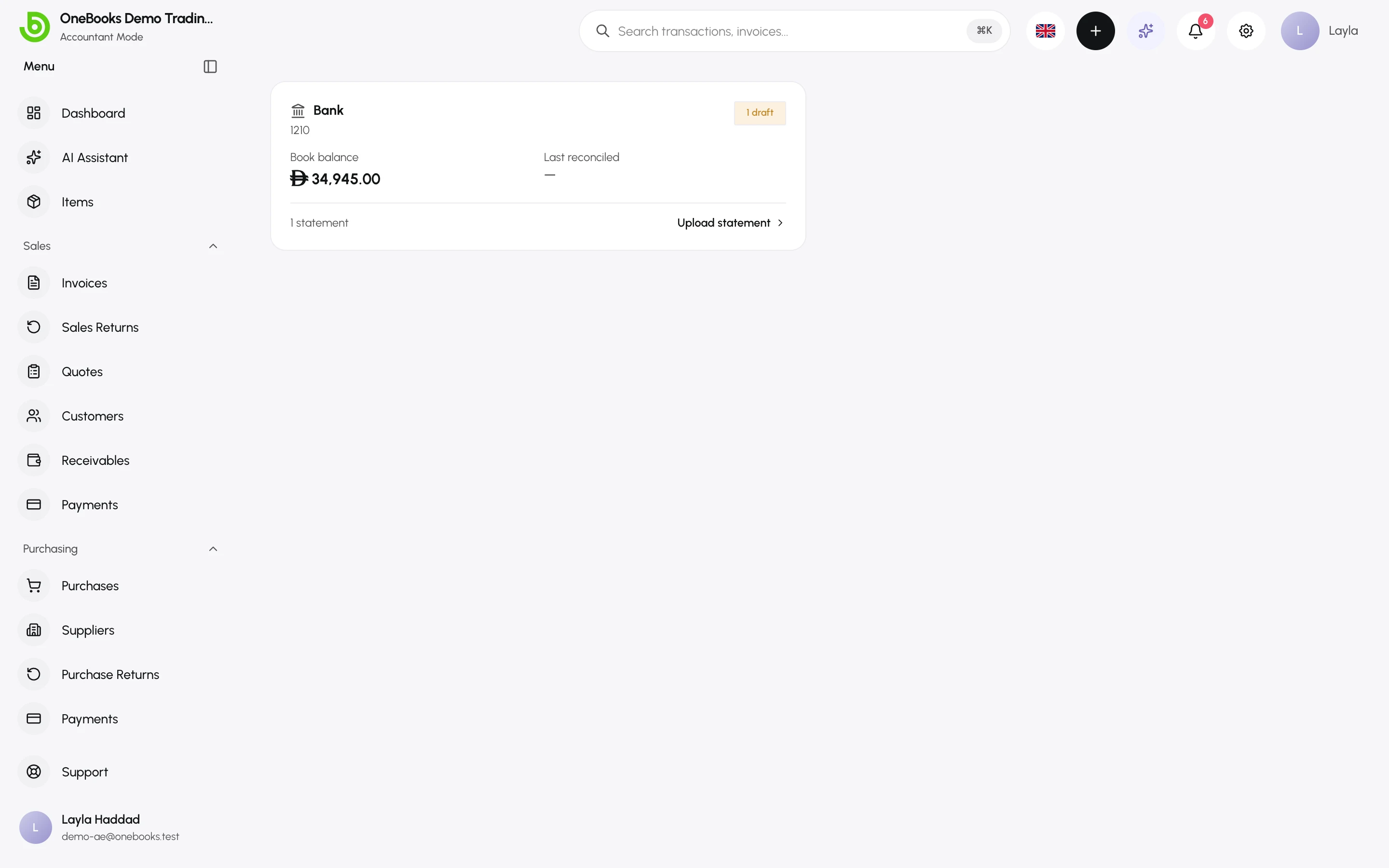
OneBooks starts every business with two money accounts: 1200 Cash and 1210 Bank. Any account you create under one of them — a second bank account, a card settlement account, petty cash — is treated as cash or bank everywhere: payment dialogs, expenses, transfers and bank reconciliation.
Add a bank account
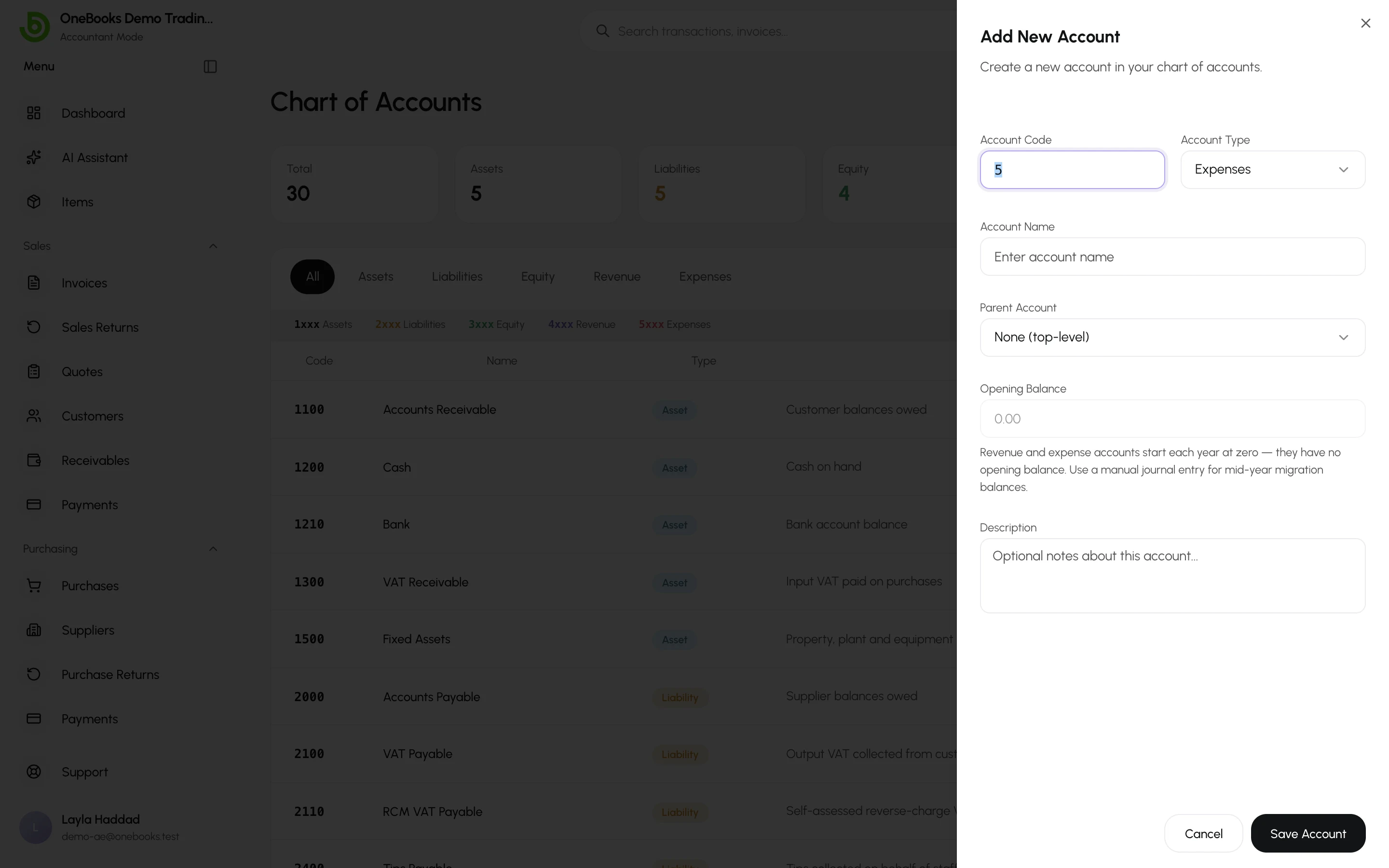
Section titled “Add a bank account”- Switch to Accountant mode and open Accounting → Chart of Accounts.
- Select New Account.
- Type Asset, a code such as 1211, a name such as Emirates NBD – current account, and choose 1210 Bank as the parent.
- If the account already has money in it on your start date, enter the opening balance.
- Select Save.
Petty cash works the same way with 1200 Cash as the parent.
Where these accounts are used
Section titled “Where these accounts are used”- Record Payment (customer and supplier) — the Pay From / deposit-to account.
- Expenses — the account the money left.
- Contra — transfers between any two cash or bank accounts.
- Bank reconciliation — statements are uploaded per bank account.
- Cash flow — the report tracks the whole 1200/1210 family.