

Purchase returns and debit notes
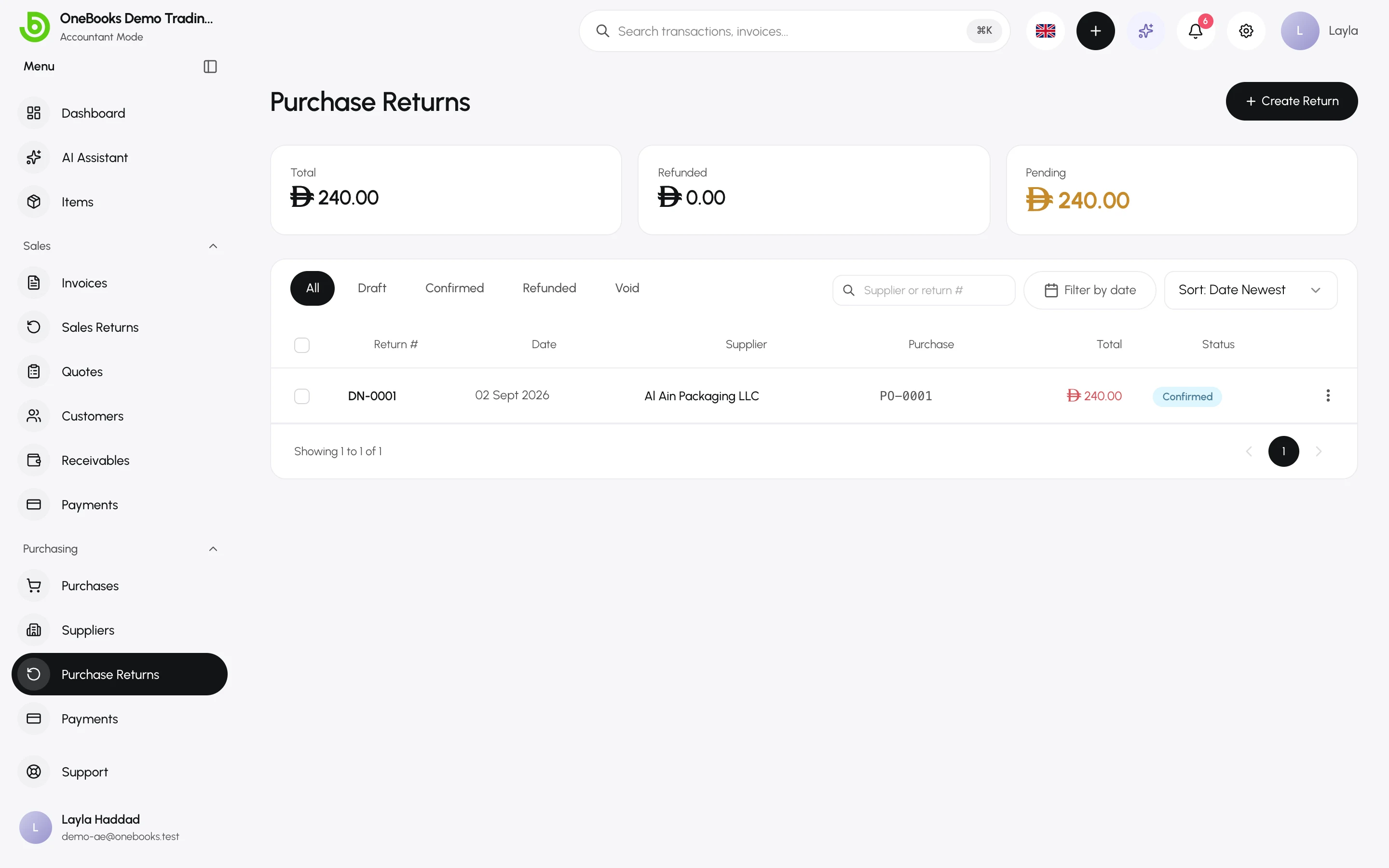
A purchase return — printed as a debit note — reduces what you owe a supplier after a purchase was finalized. Confirming it reverses the cost and the input tax; the supplier’s refund, if any, is recorded separately.
Create and confirm
Section titled “Create and confirm”- Open Purchasing → Purchase Returns and select Create Return.
- Pick the supplier and, optionally, the original purchase to pull its lines.
- Adjust the lines (item or description, quantity, unit price, tax) and enter a reason.
- Save as Draft or Save & Confirm.
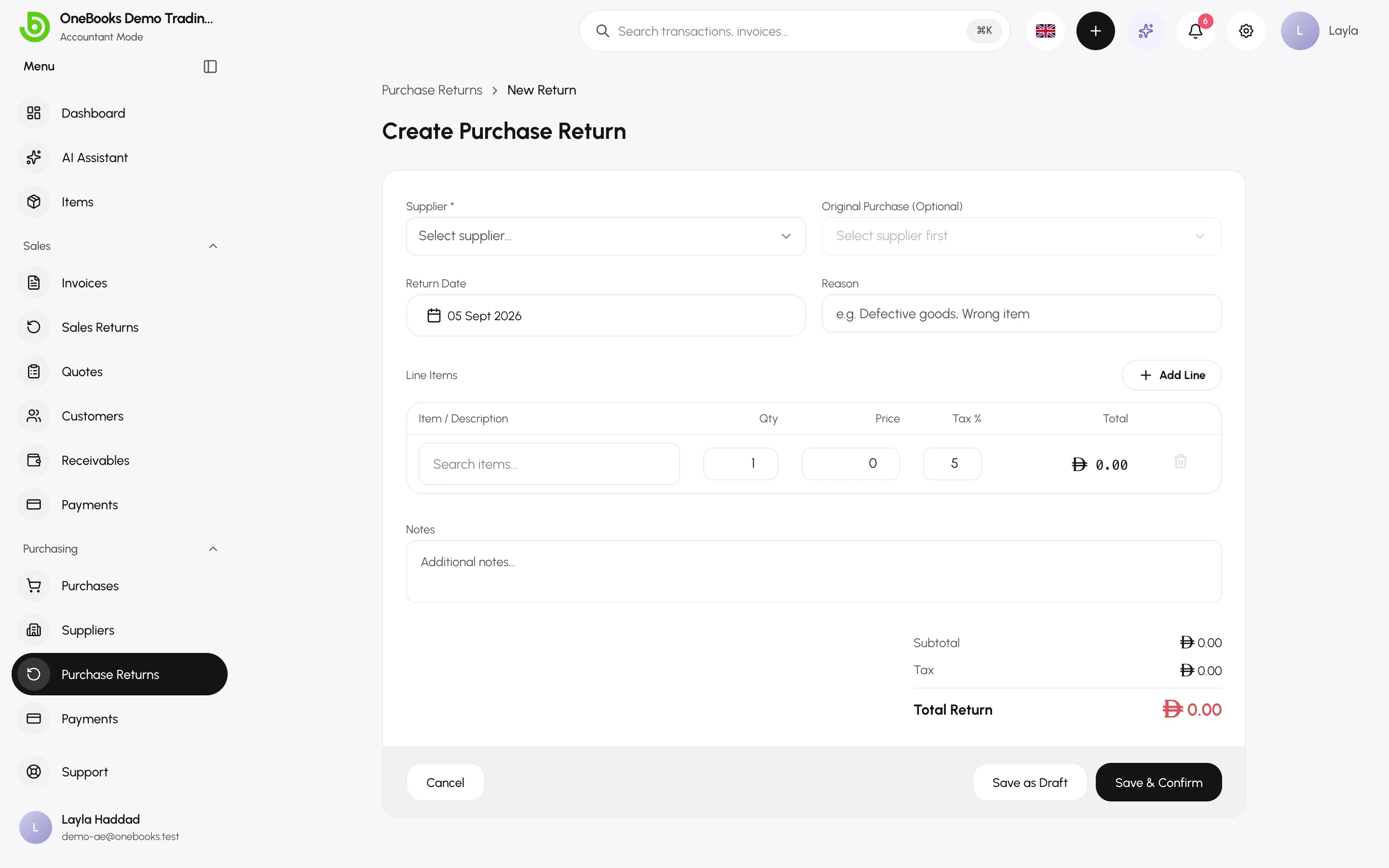
Rules: confirmed returns against one purchase cannot exceed the purchase total, and returns cannot be raised against a Void purchase.
Refund or keep the credit
Section titled “Refund or keep the credit”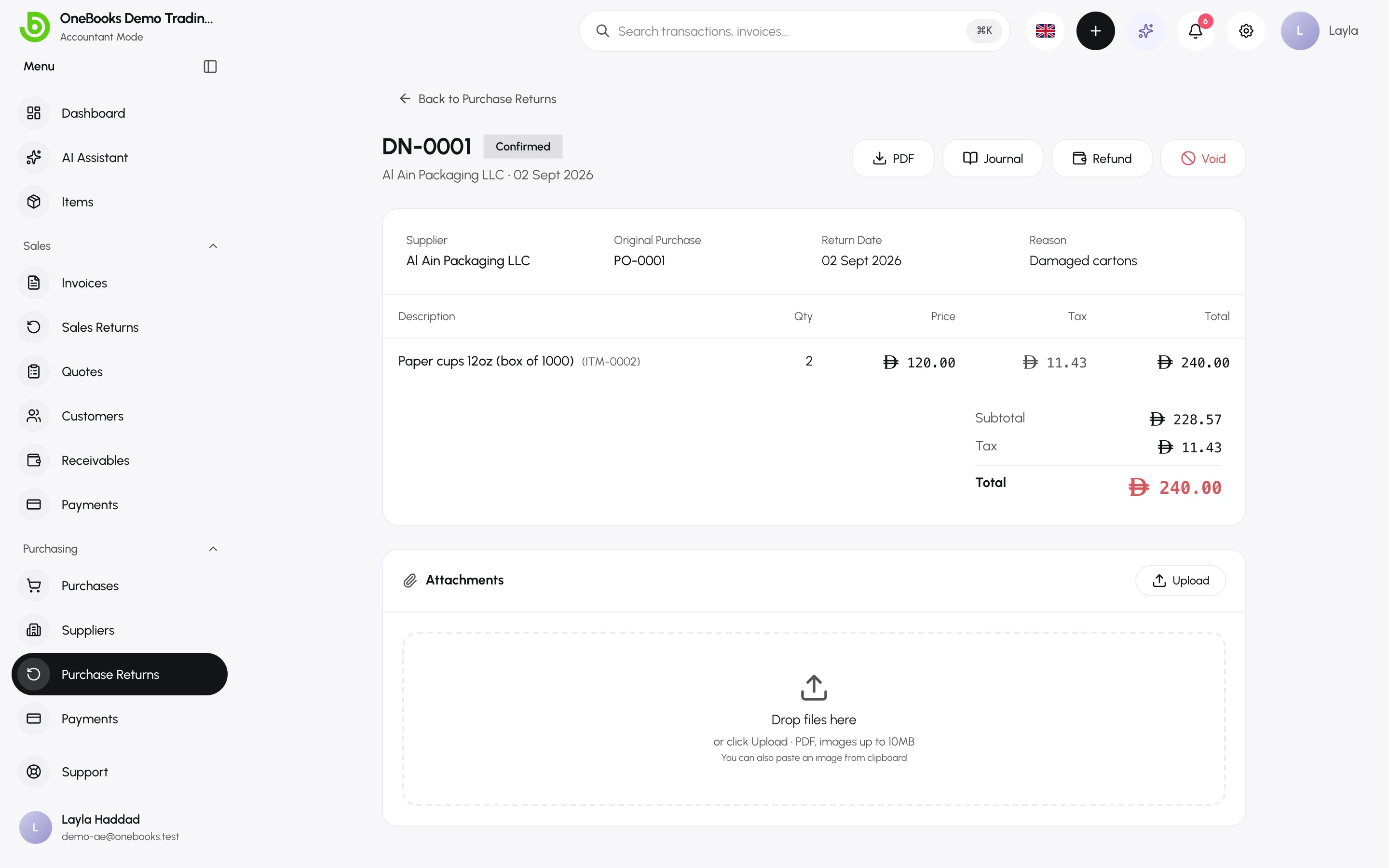
- Refund — when the supplier pays you back, select Refund and enter amount, date, method and the account the money came into. Debit 1200 Cash / 1210 Bank, Credit 2000 Accounts Payable.
- Otherwise the credit stays on the supplier and is offered when you next record a supplier payment.
Statuses
Section titled “Statuses”Draft → Confirmed → Partially Refunded → Refunded; Void reverses a confirmed return (permission purchaseReturns.void).