

Preferences, language and appearance
Settings → User Preferences is yours alone: it changes how you see OneBooks, not how your colleagues see it or what is in the books.
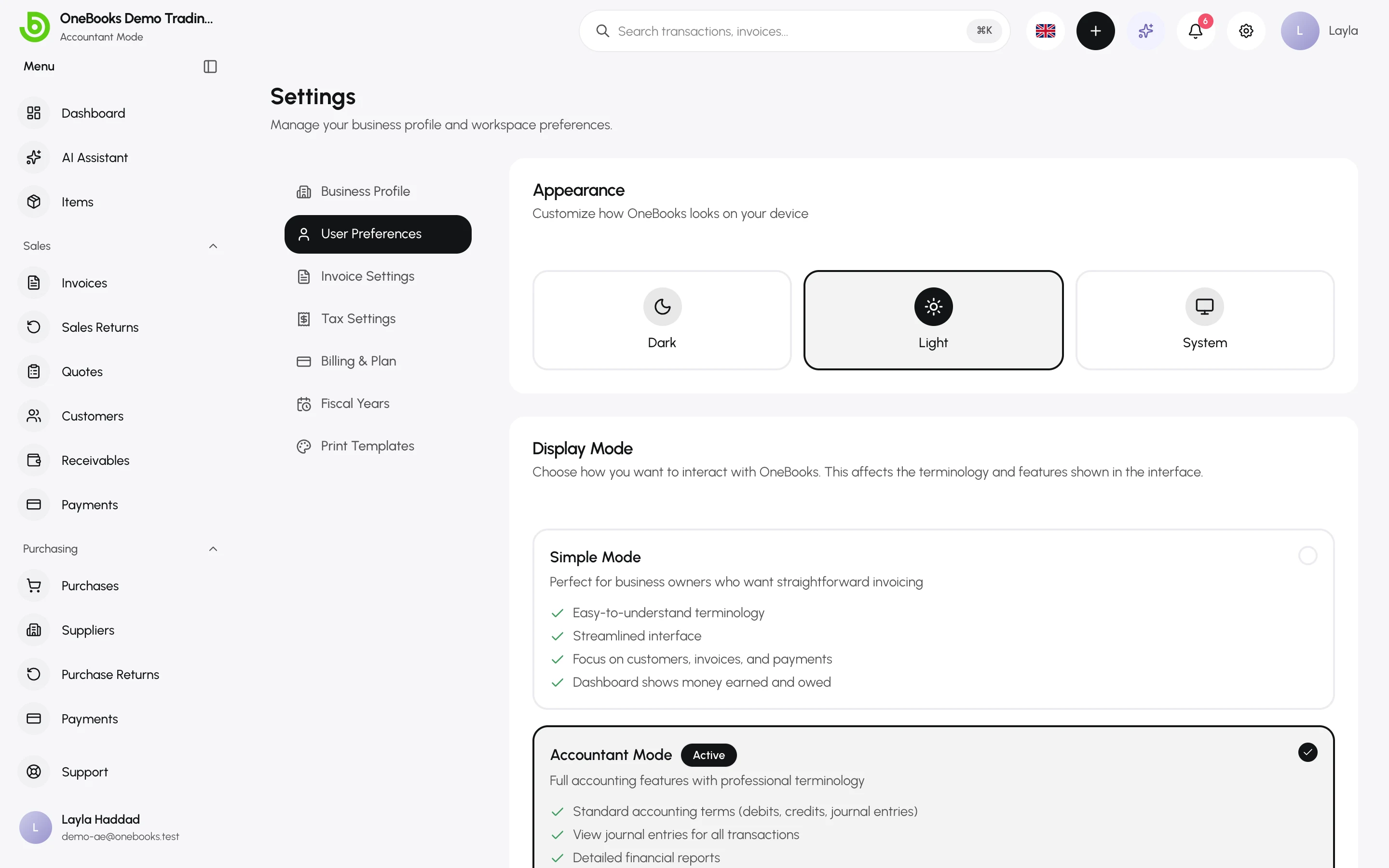
Appearance
Section titled “Appearance”Light, Dark or System (follow the device). Stored per device.
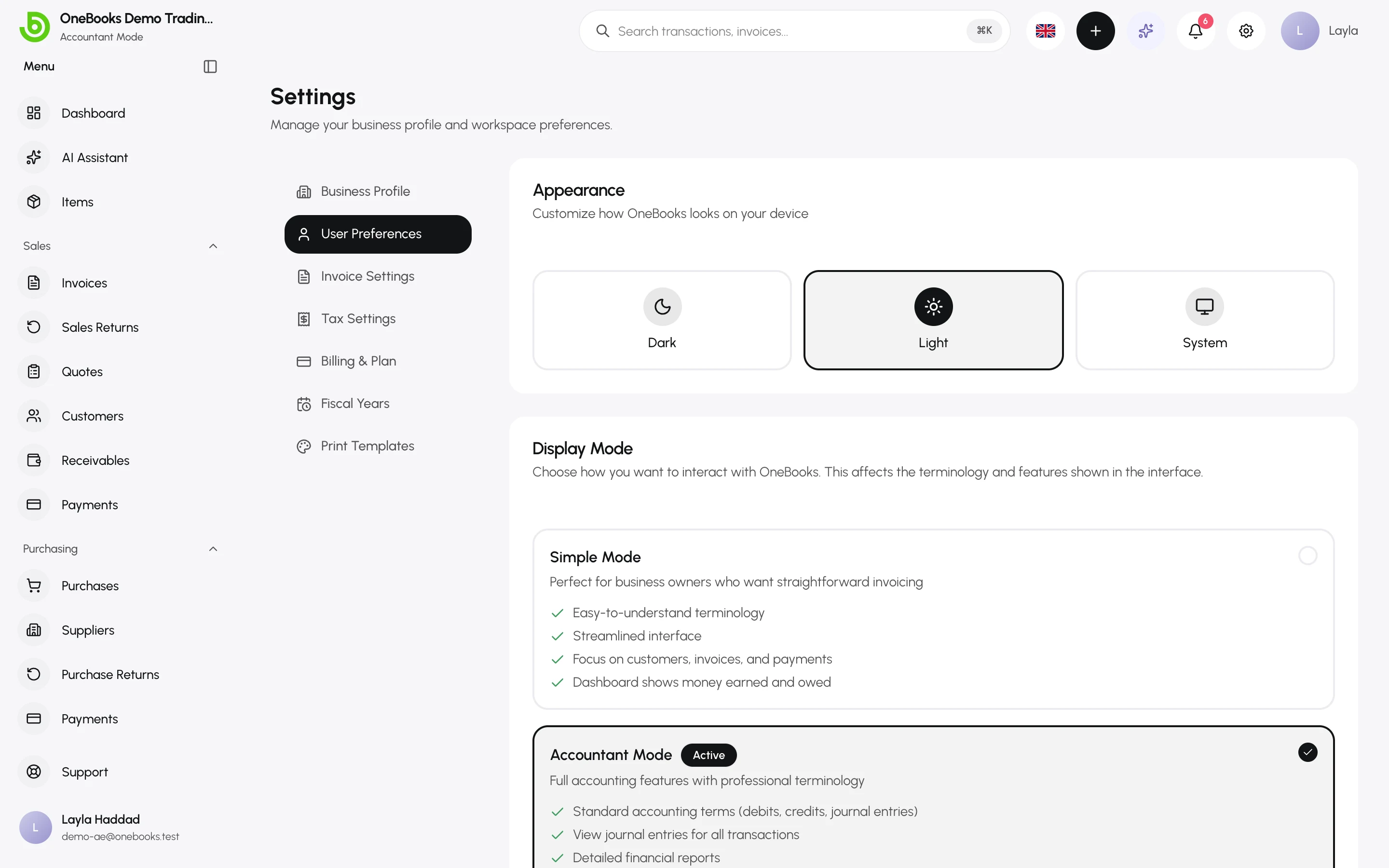
Display mode
Section titled “Display mode”Simple Mode or Accountant Mode — see Simple mode vs Accountant mode.
Language
Section titled “Language”Use the language button in the header: English, العربية, Español or Français. Arabic switches the whole layout to right-to-left. Your choice is remembered for your account, and emails OneBooks sends you use the same language.
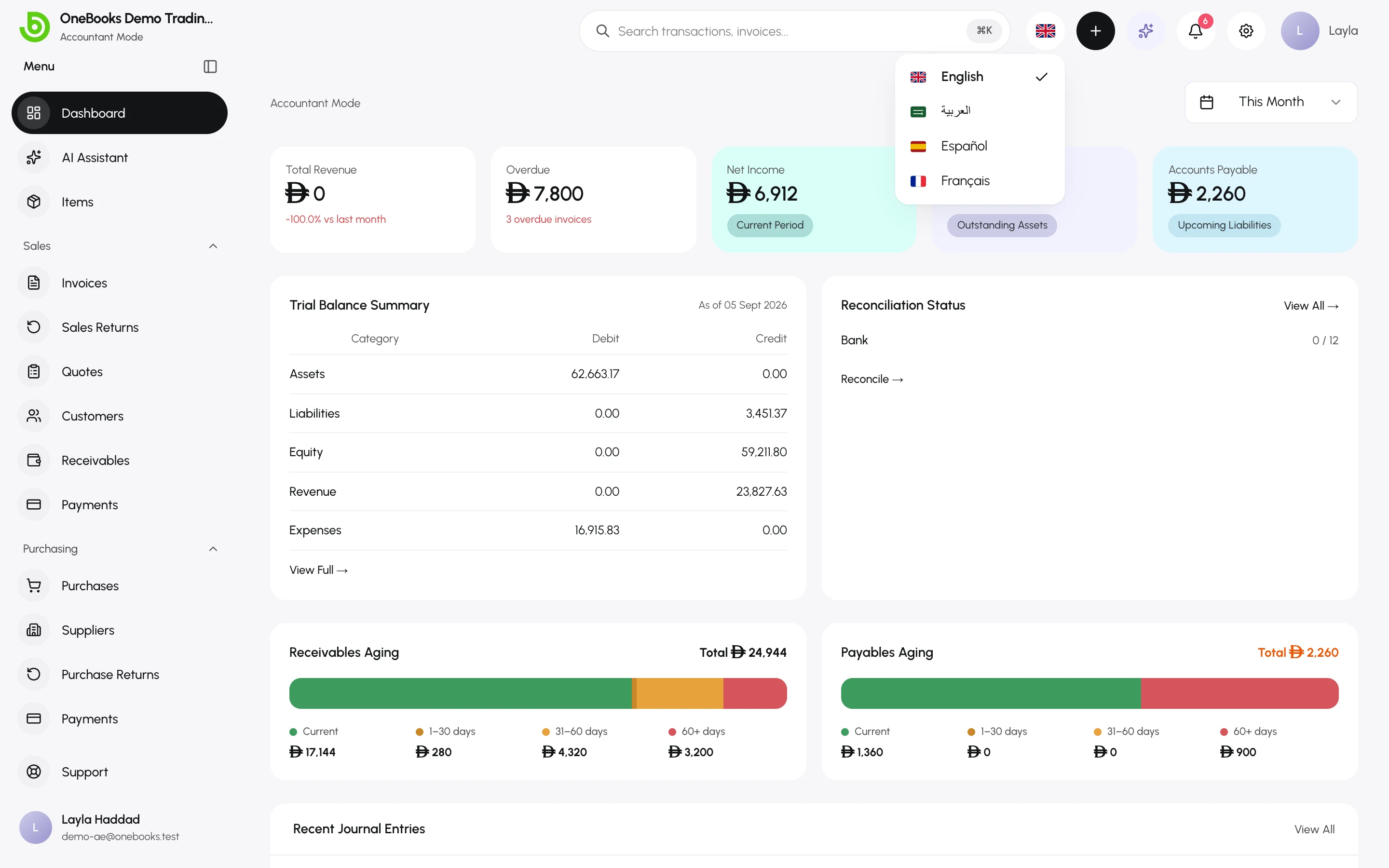
Dates follow the language; amounts always follow the business currency (Arabic uses Latin digits and the Gregorian calendar, matching official documents).