

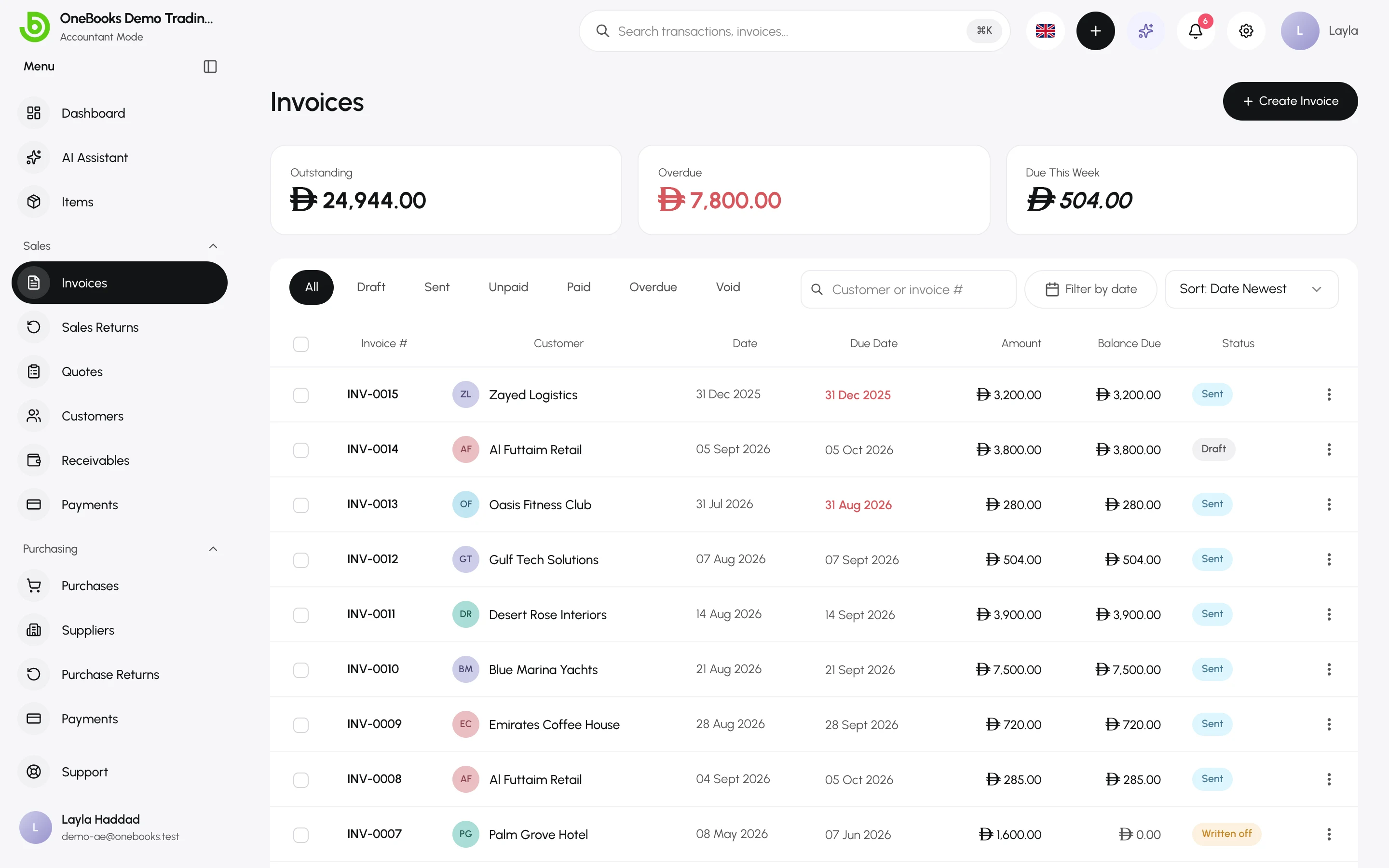
The Sales group covers everything between a customer asking for a price and the money arriving in your bank. Each document has a clear job, and each posting to the ledger happens at one well-defined moment.
The sales cycle
Section titled “The sales cycle”| Step | Document | Posts to the ledger? |
|---|---|---|
| Offer a price | Quote | No — quotes never touch the books. |
| Bill the customer | Invoice | Yes, when it is sent: receivable, revenue and tax. |
| Get paid | Payment | Yes, when recorded: cash or bank against the receivable. |
| Take goods back or reduce a bill | Sales return (credit note) | Yes, when confirmed: reverses revenue and tax; a refund is a separate cash step. |
| Give up on a bad debt | Write-off | Yes: bad-debt expense against the receivable. |
Customers are the people and companies you bill. Receivables is the report of who owes you what, by age.
Which screen do I use?
Section titled “Which screen do I use?”- Quote a job → Sales → Quotes → Quotes
- Bill a customer → Sales → Invoices → Invoices
- A customer paid → Record Payment on the invoice, or Sales → Payments → Payments received
- Goods came back or an invoice was too high → Sales → Sales Returns → Sales returns and credit notes
- An invoice was a mistake → Void it → Invoice statuses, void and write-off
- The customer will never pay → Write off → Invoice statuses, void and write-off
- Who owes me? → Sales → Receivables → Receivables and aging
Numbering
Section titled “Numbering”Invoices, quotes and returns are numbered automatically with your prefixes (INV-, QUO-, CN-…). Numbers are assigned when the document is created and never reused, so a voided invoice keeps its number.