

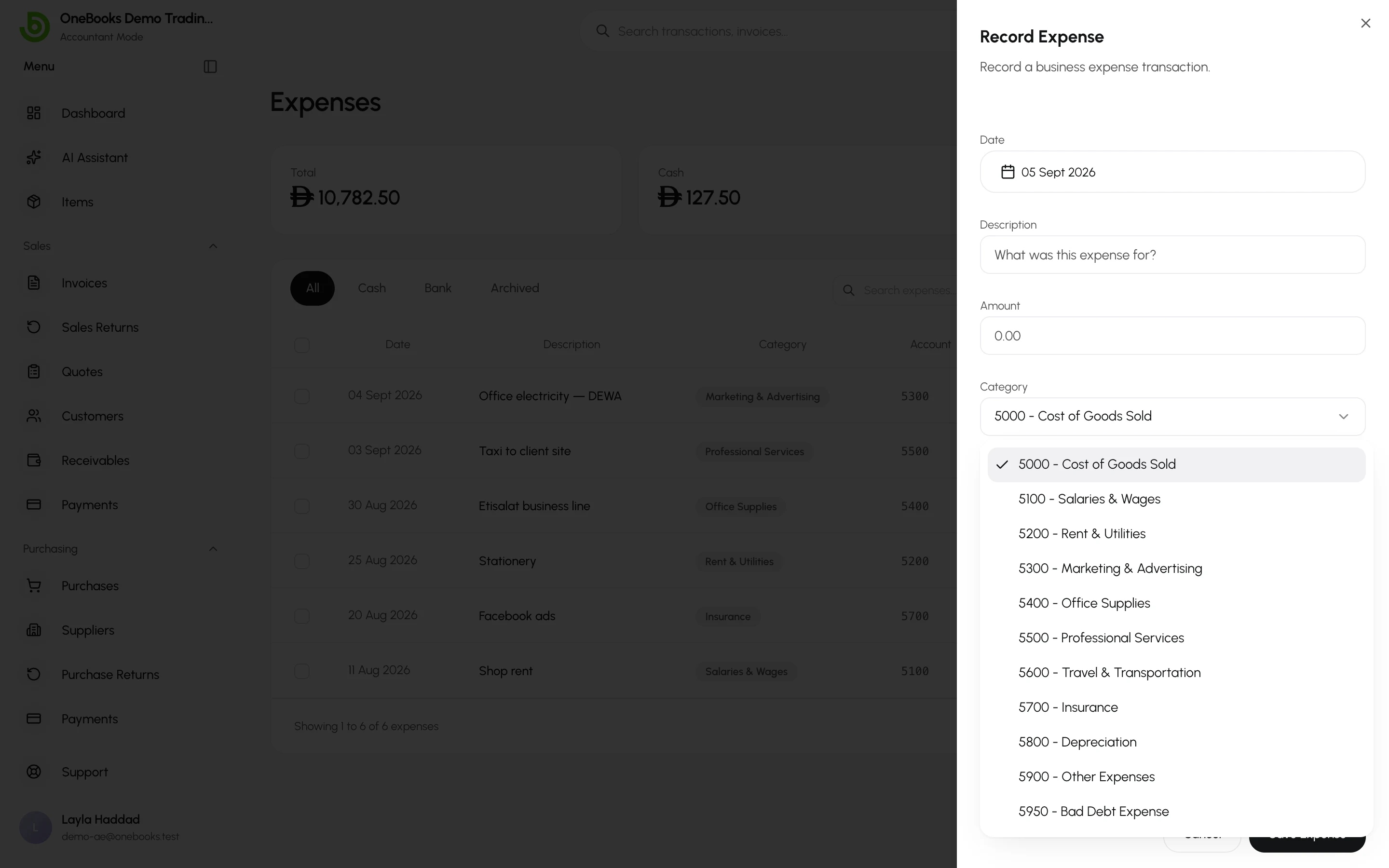
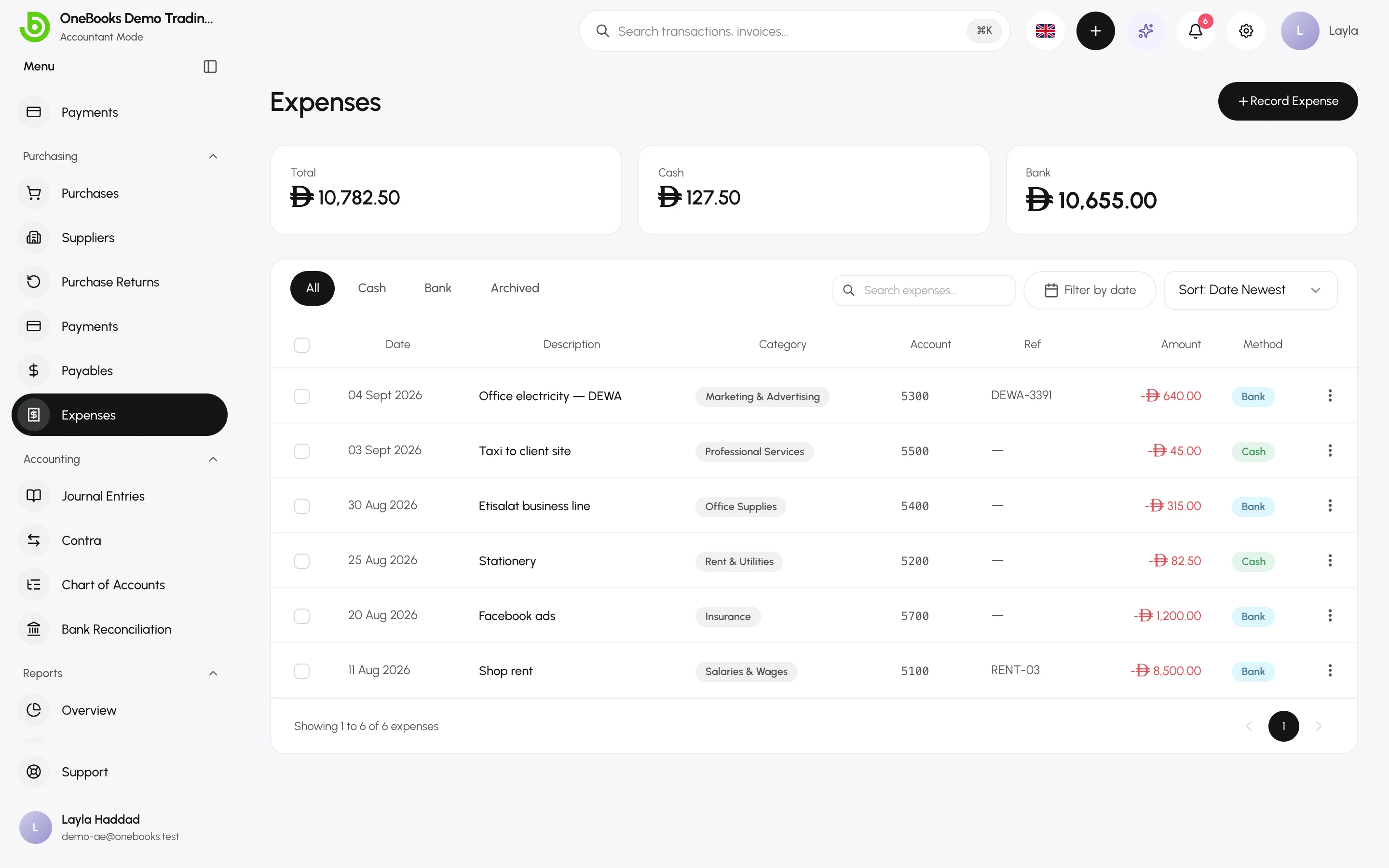
Every expense is filed under an expense account — the category picker in the expense dialog lists exactly the expense-type accounts in your chart of accounts. The profit and loss groups your spending by these accounts.
Default categories
Section titled “Default categories”| Code | Account | Typical use |
|---|---|---|
| 5000 | Cost of Goods Sold | Goods bought for resale (used by purchases by default). |
| 5100 | Salaries & Wages | Staff pay. |
| 5200 | Rent & Utilities | Premises, electricity, water, internet. |
| 5300 | Marketing & Advertising | Ads, printing, promotions. |
| 5400 | Office Supplies | Stationery and consumables. |
| 5500 | Professional Services | Accountants, lawyers, consultants. |
| 5600 | Travel & Transportation | Fuel, taxis, flights, deliveries. |
| 5700 | Insurance | Policies and premiums. |
| 5800 | Depreciation | Manual depreciation entries. |
| 5900 | Other Expenses | Anything that fits nowhere else. |
| 5950 | Bad Debt Expense | Written-off invoices (posted by the write-off action). |
Add your own category
Section titled “Add your own category”- Switch to Accountant mode and open Accounting → Chart of Accounts.
- Select New Account, choose type Expense, give it a code in the 5xxx range and a name (for example 5210 Software subscriptions).
- Optionally pick a parent account to nest it under an existing category.
- Select Save. The account is available in the expense dialog immediately.
Archive a category
Section titled “Archive a category”Archiving an account removes it from pickers without deleting history; expenses already filed under it stay on the reports. See Chart of accounts.