

Attachments, archive and delete
Attach a receipt
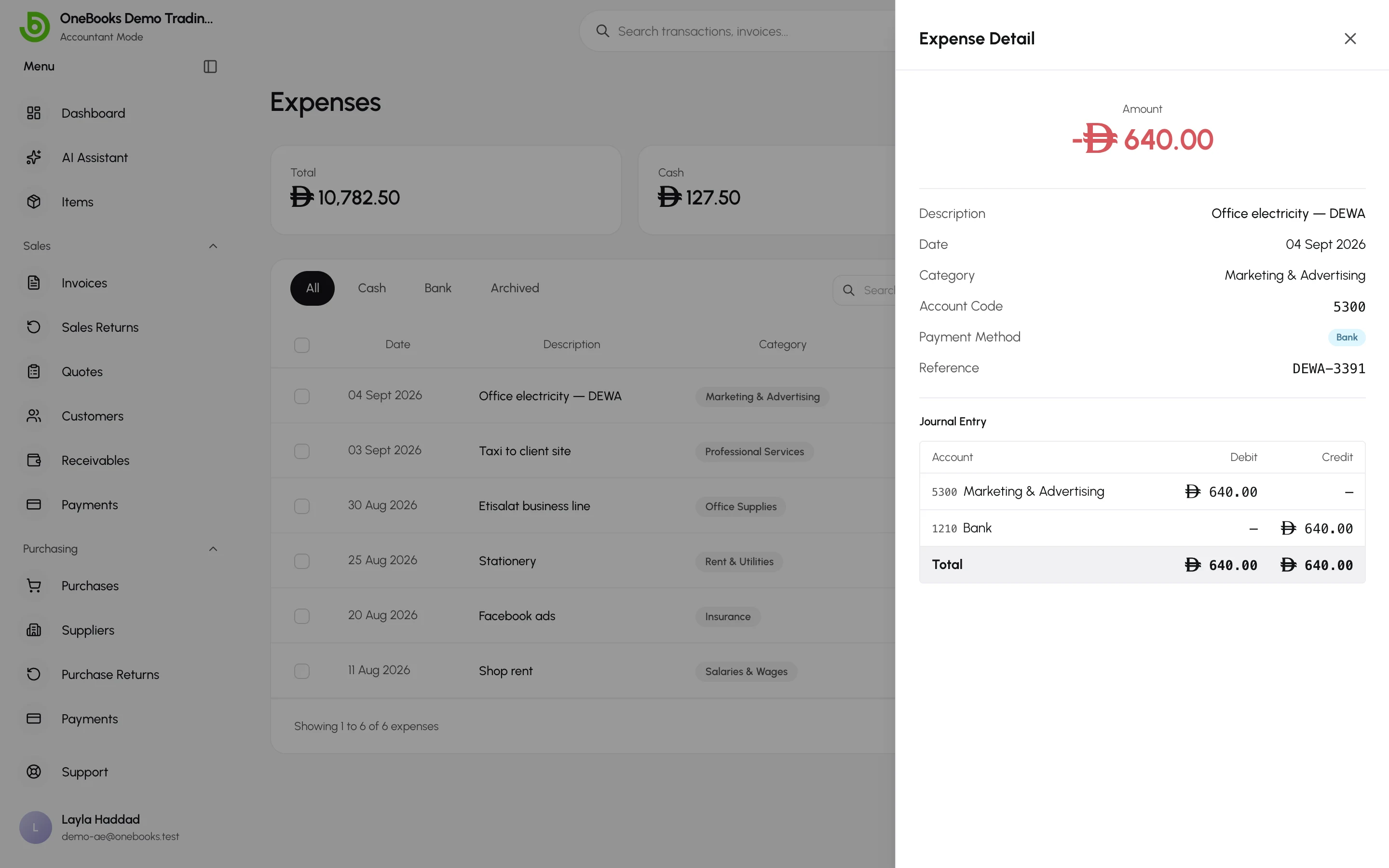
Section titled “Attach a receipt”Open an expense (View Detail in its actions menu) and add files under Attachments — photos, PDFs or scans of the receipt. Attachments are stored with the expense and can be downloaded any time. See Attachments.
Archive and restore
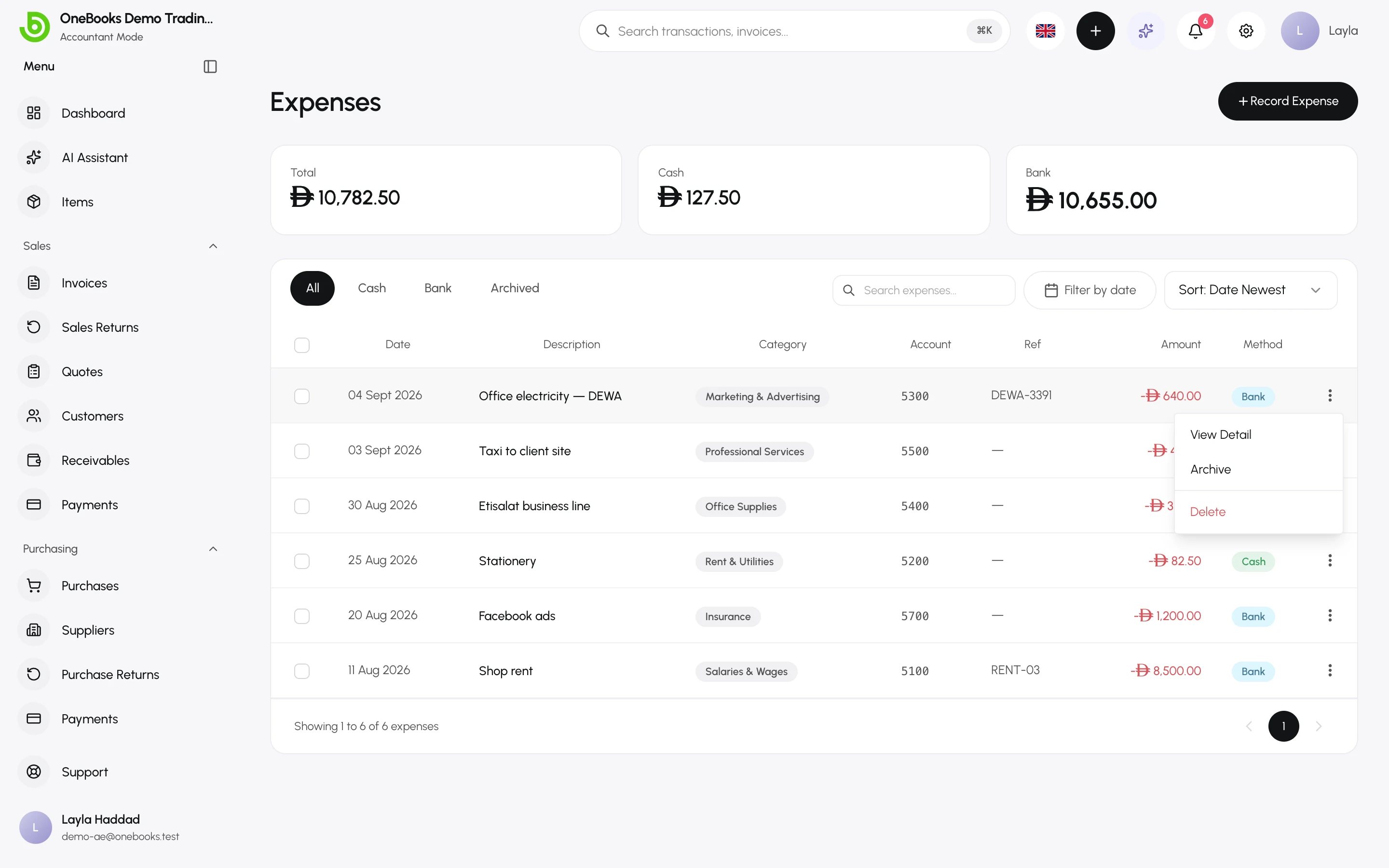
Section titled “Archive and restore”Archive hides an expense — and its ledger effect — from every list and report at once, without deleting anything. Use it for an expense you are unsure about while you check; Restore brings it back exactly as it was. Archived expenses live under the Archived tab.
Delete
Section titled “Delete”Delete (permission expenses.delete, owners and admins by default) does not erase history: it posts a reversing entry that cancels the original, keeps both in the ledger, and removes the expense from the list. Use it for an expense recorded in error.