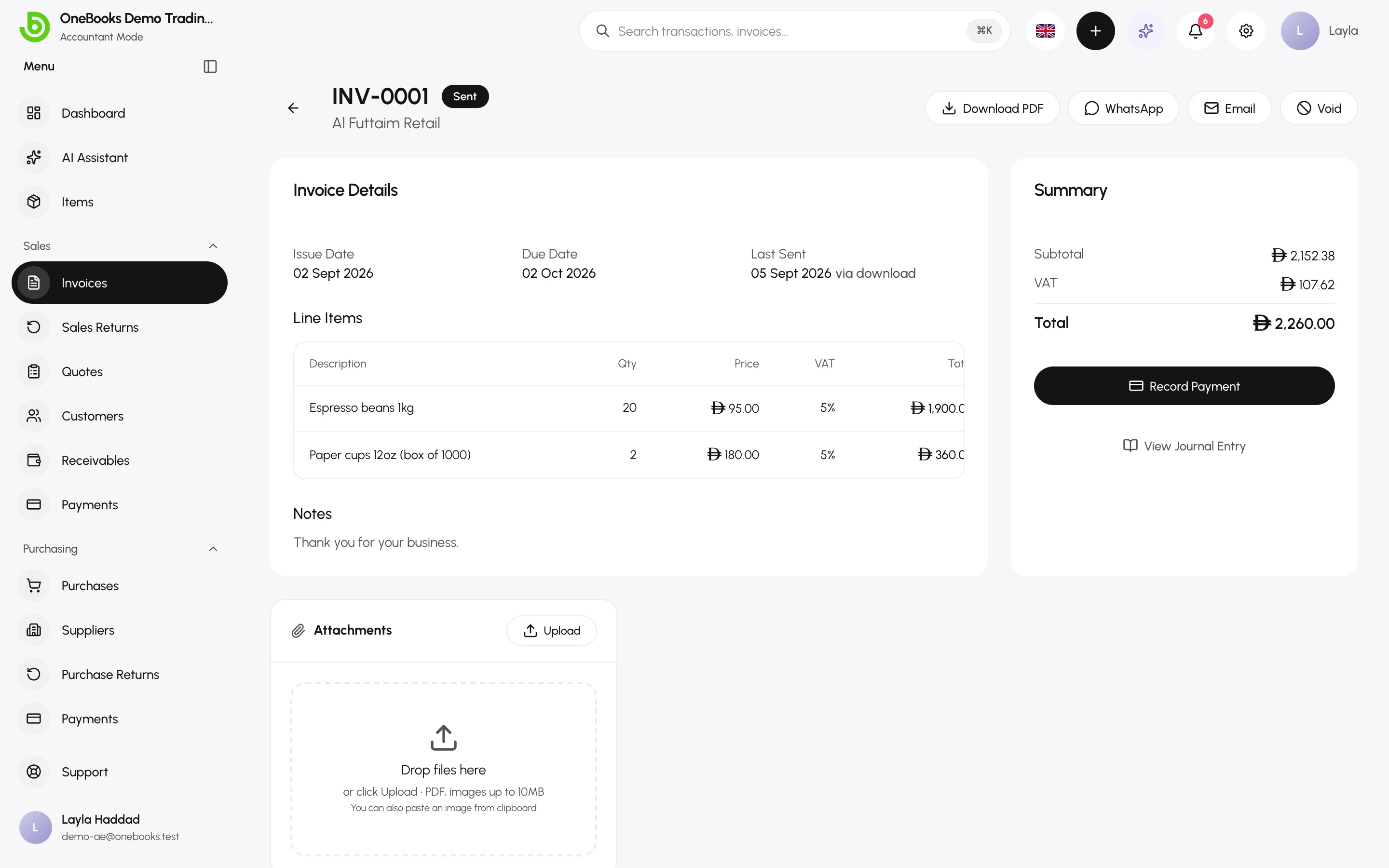
Most documents have an Attachments area: drop files, select Upload, or paste an image from the clipboard. Use it for supplier PDFs, signed delivery notes, receipts and contracts.
What you can attach
Section titled “What you can attach”- PDFs and images (JPEG, PNG, WebP), up to 10 MB each.
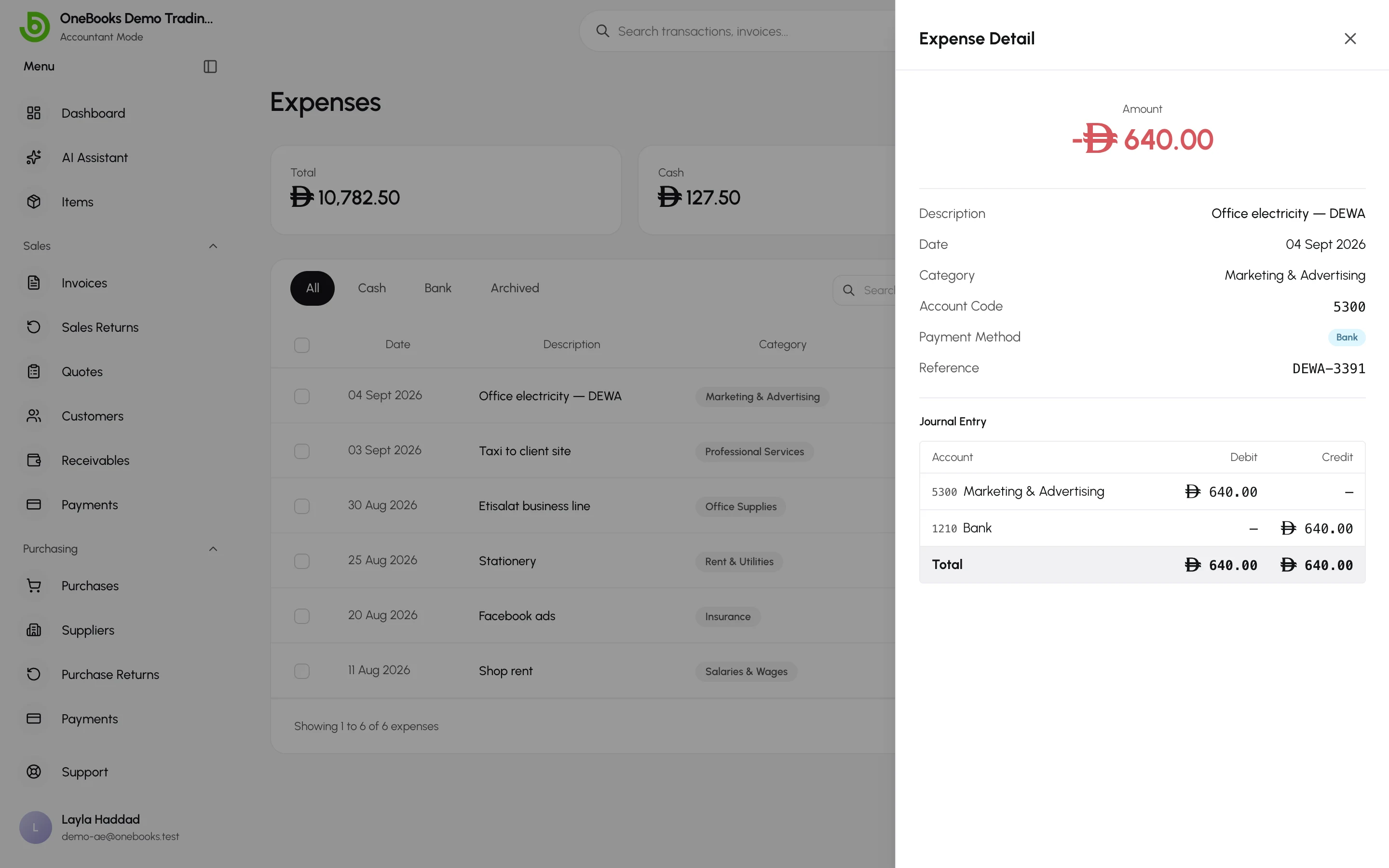
- Attachments are allowed on invoices, purchases, expenses, payments and supplier payments, sales and purchase returns, journal entries, and on the business itself (the logo).
Where they live
Section titled “Where they live”Files stay with the document; open the document to see, download or remove them. The attachments count appears on list rows. Receipt photos sent to the AI assistant become attachments of the resulting document once you confirm it.