

Sales returns and credit notes
A sales return — printed as a credit note — reduces what a customer owes after an invoice was sent: goods came back, the price was too high, or a service was not delivered. Confirming it reverses the revenue and tax; paying the money back is a separate refund step, so the credit can instead be kept against future invoices.
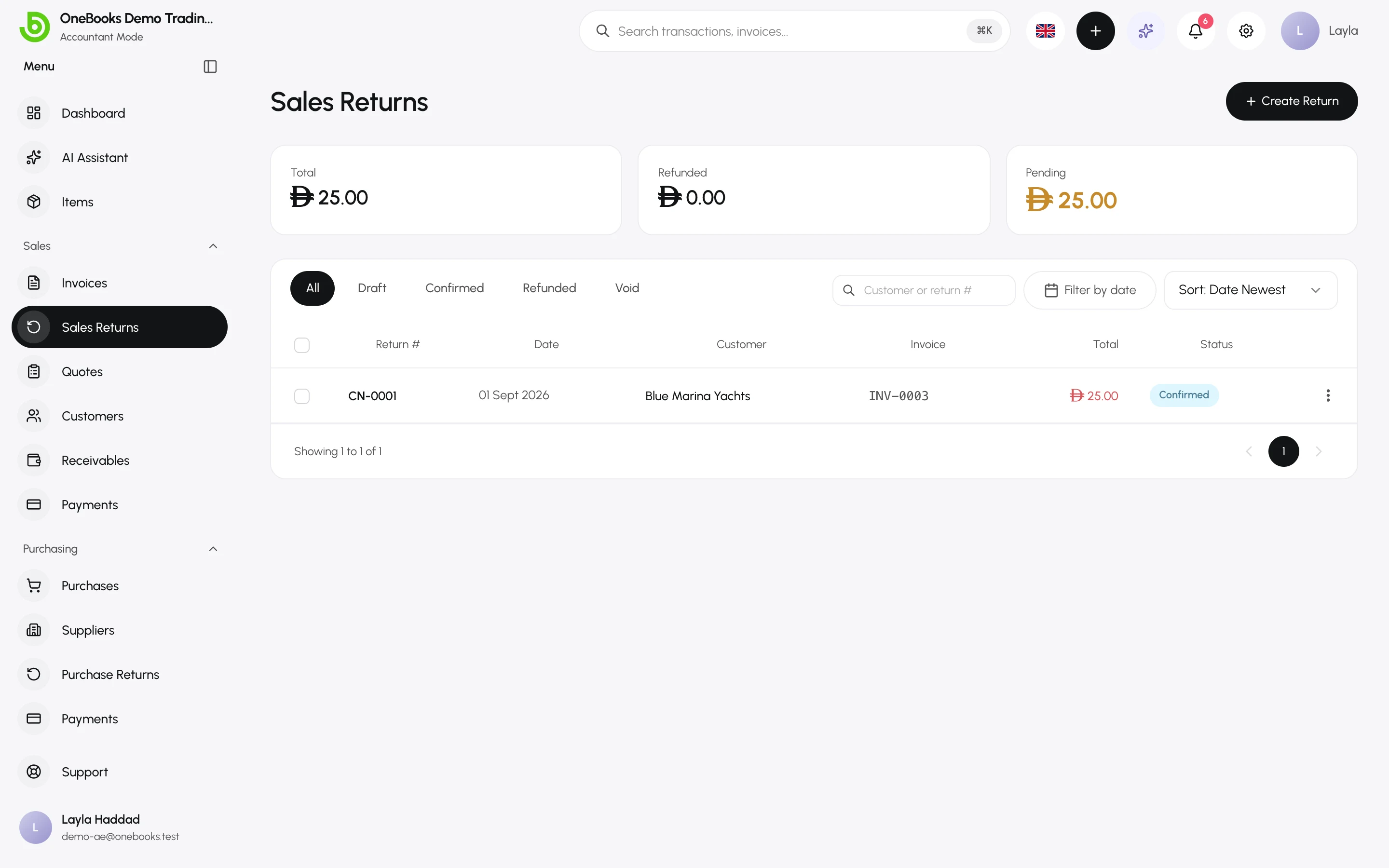
Create a return
Section titled “Create a return”- Open Sales → Sales Returns and select Create Return.
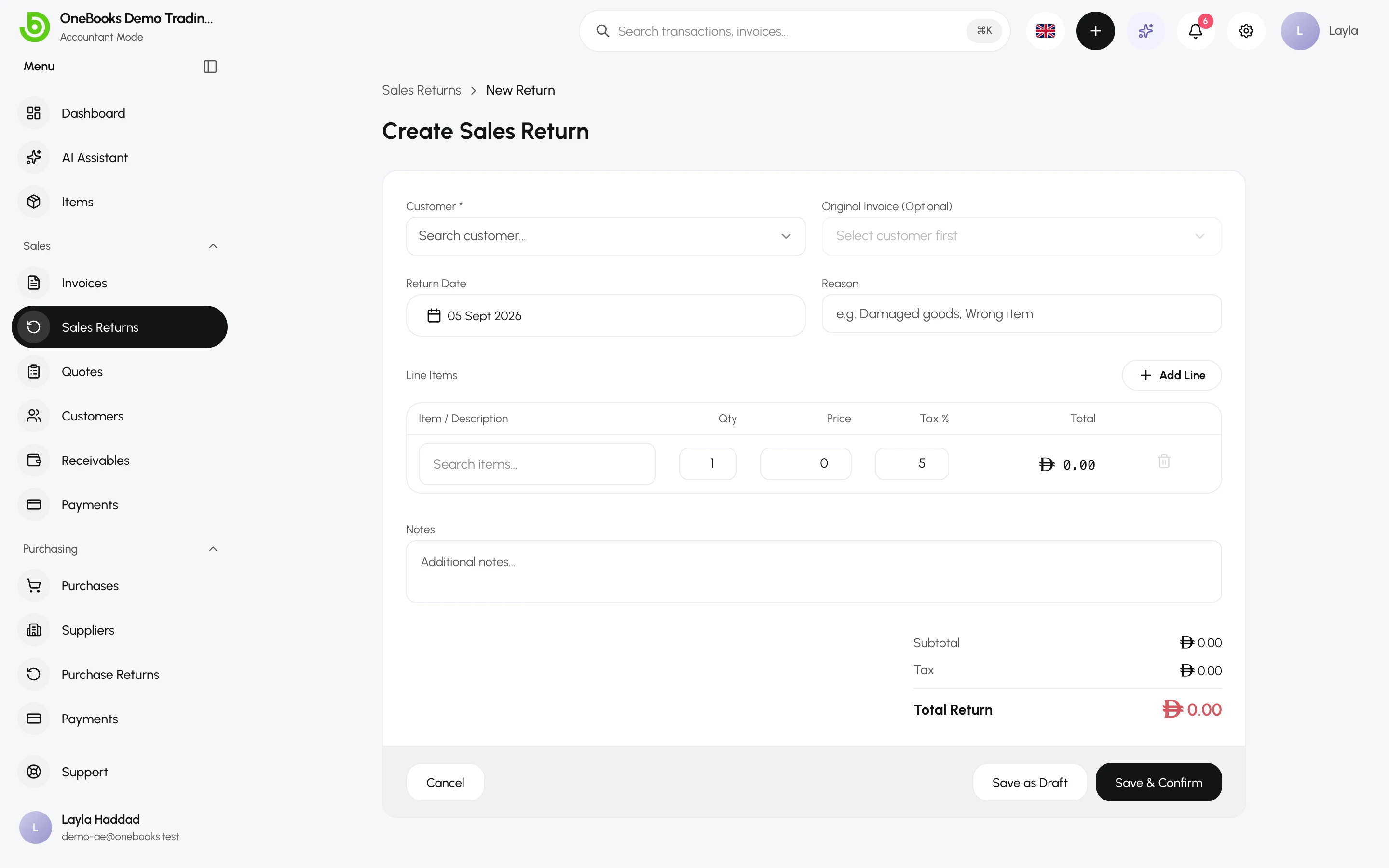
- Pick the customer and, if the return relates to a specific invoice, the original invoice — its lines are offered so you can pick what came back.
- Add or adjust lines: item or description, quantity, unit price and tax.
- Enter a reason (printed on the credit note) and notes.
- Select Save as Draft to review later, or Save & Confirm.
Rules:
- The total of all confirmed returns against one invoice cannot exceed the invoice total.
- Returns cannot be created against Void or Written Off invoices.
- A return without an original invoice is allowed — for example a goodwill credit.
Confirm
Section titled “Confirm”Confirming makes the credit note final and posts it. A confirmed return reduces the customer’s balance immediately.
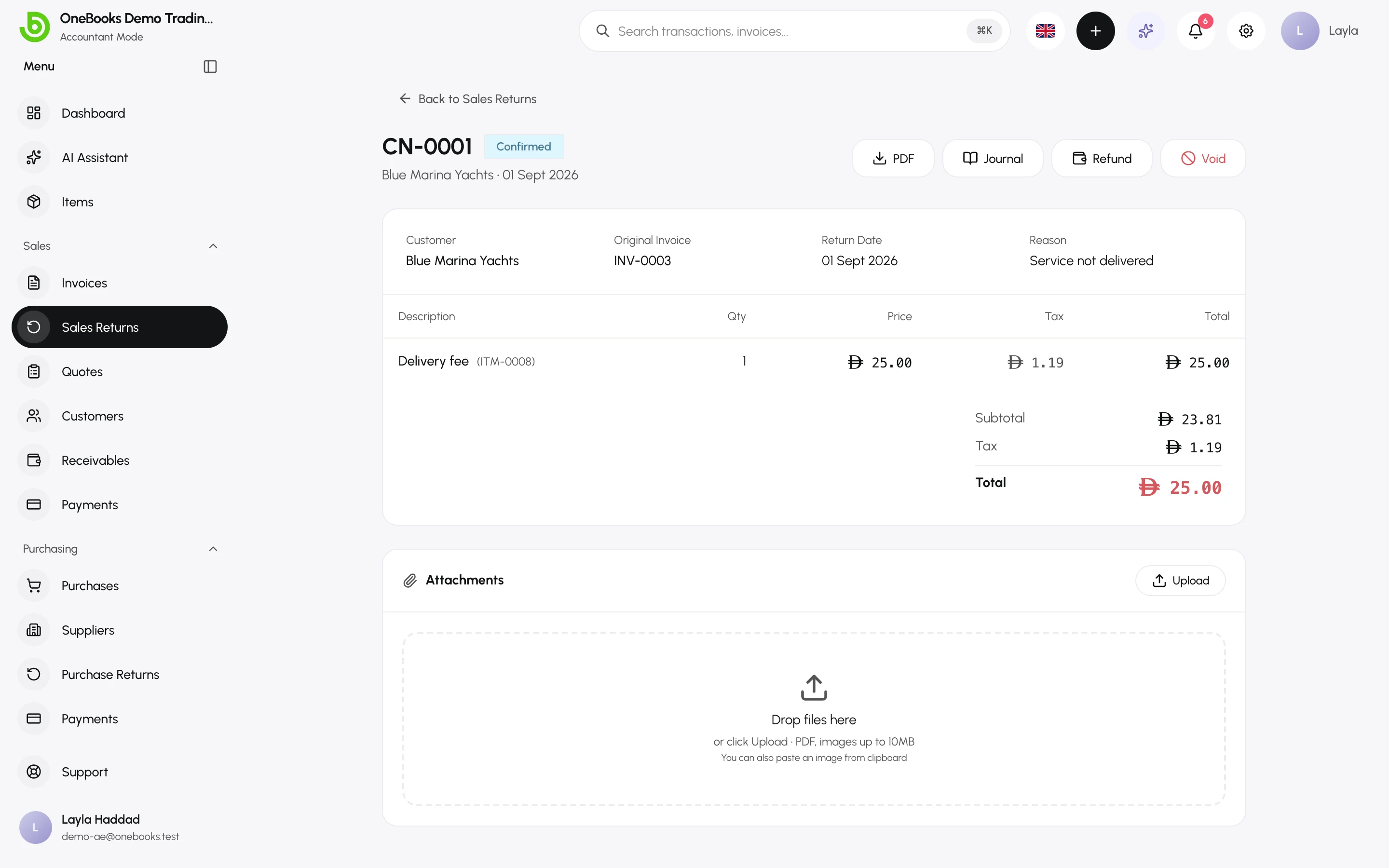
Refund or keep the credit
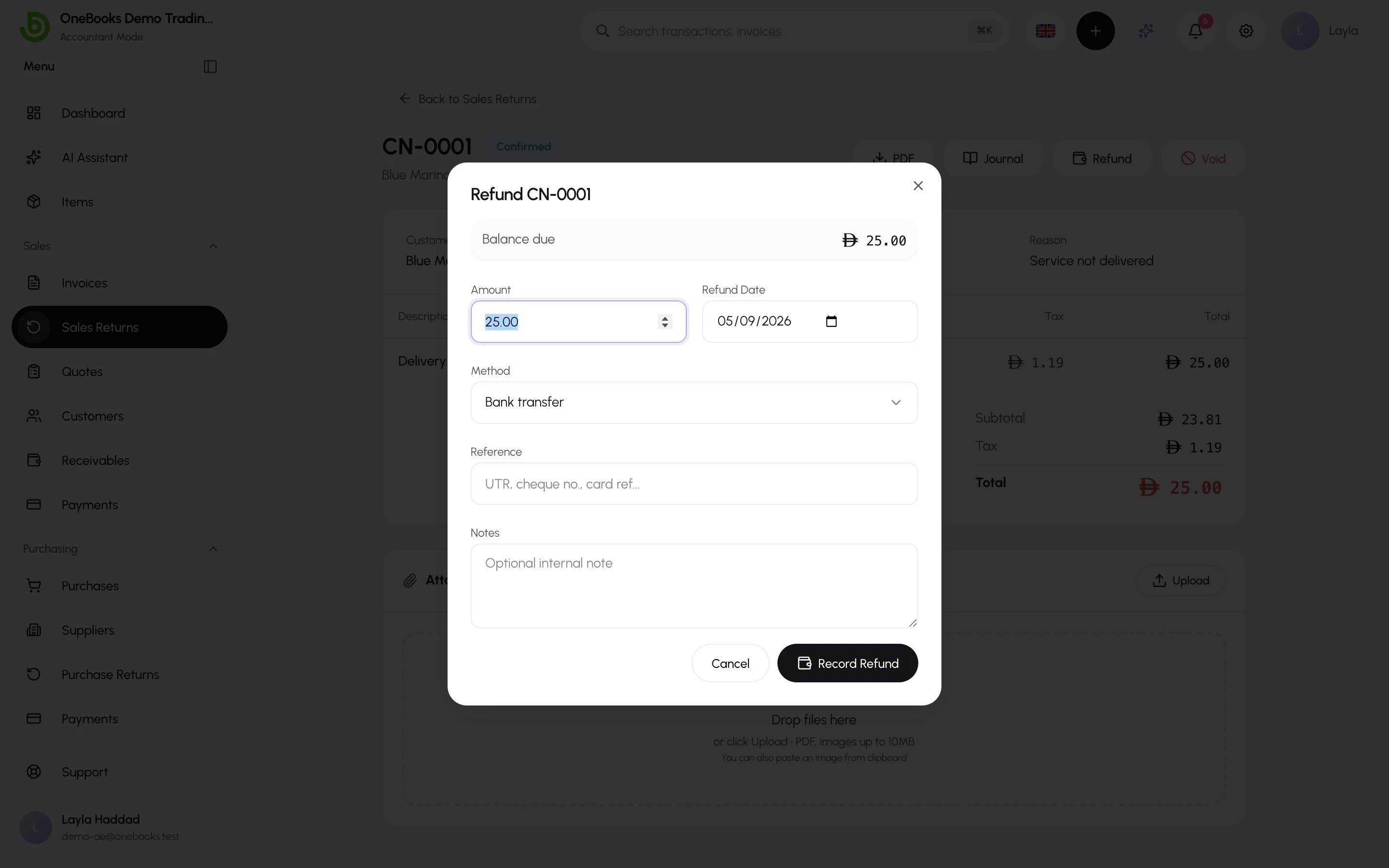
Section titled “Refund or keep the credit”- Refund — select Refund on the credit note, enter the amount, date, method and the cash or bank account. The status becomes Partially Refunded or Refunded.
- Apply the credit — leave it unrefunded. When you next record a payment for that customer, the unapplied credit is offered to net against open invoices; see Payments received.
Void a return
Section titled “Void a return”A confirmed return that was a mistake can be voided (permission salesReturns.void), which reverses its entry. A return that has been refunded must have the refund corrected first.
Saudi Arabia
Section titled “Saudi Arabia”Credit notes are e-invoicing documents: they are signed and submitted to ZATCA when confirmed, and they must reference the original invoice. See Saudi Arabia.
Statuses
Section titled “Statuses”Draft → Confirmed → Partially Refunded → Refunded; Void at any point after confirmation.