

Import items when you are starting out or adding a new product range. The importer previews and validates everything before it writes, and an import that fails is rolled back completely.
- Open Data → Import / Export and choose Items.
- Download the Excel Template or CSV Template, fill one row per item — name, description, unit, sale price, cost price, tax rate, HSN/SAC code — and upload it (up to 10 MB or 10,000 rows).
- On Map Columns, confirm each target field is matched to a column of your file, then Validate.
- On Preview & Validate, review rows marked OK, Error or Duplicate. Tick Skip rows with errors or Skip duplicate rows if you want to import the rest.
- Select Import … rows.
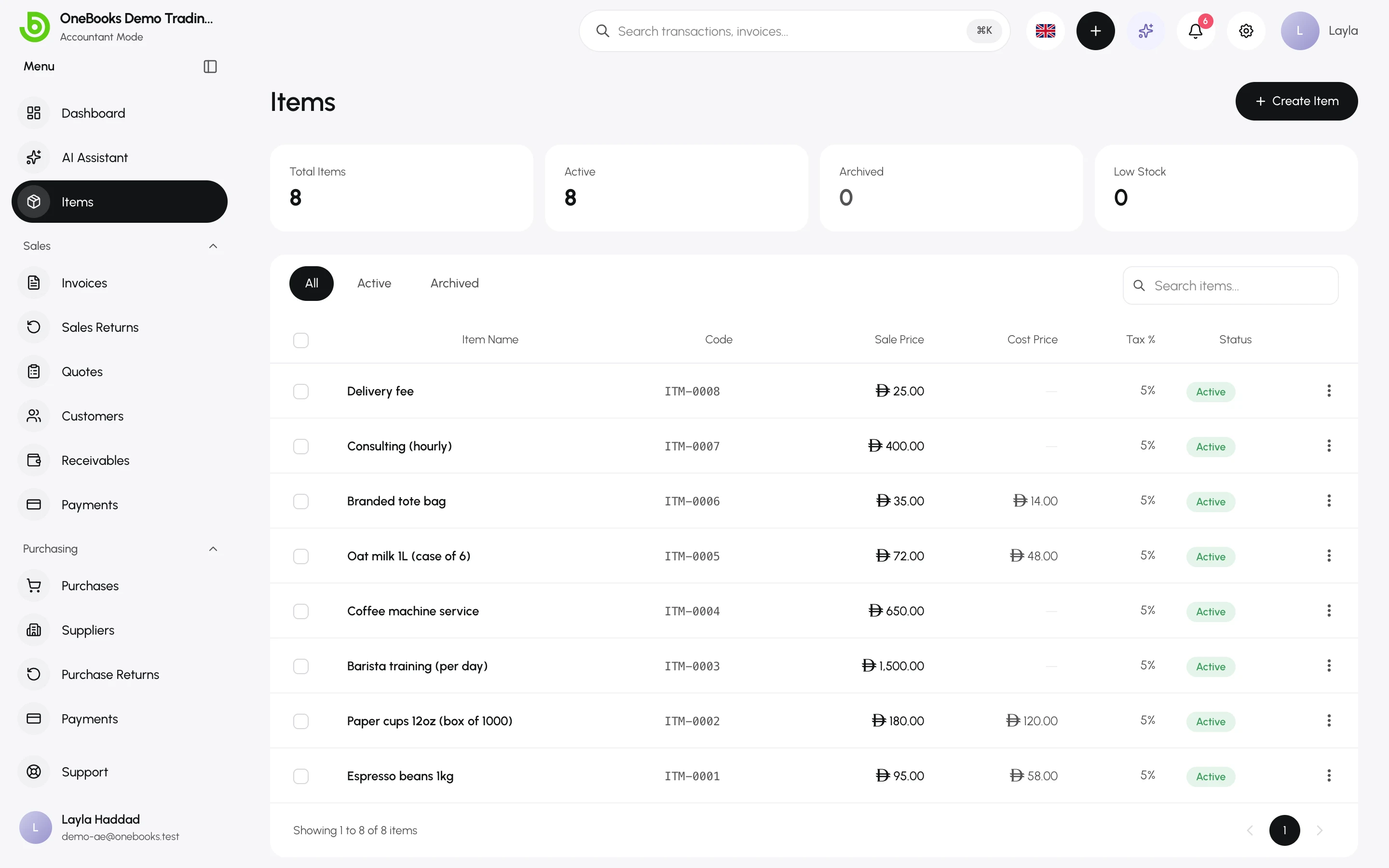
Duplicates are detected by item name. Re-importing a file updates nothing; fix the rows and import only the new ones.
Related
Section titled “Related”Import and exportAll entities, columns and the export side.