

Moving from a spreadsheet, another accounting app or Tally follows the same order: master data first, then opening balances as of your cut-over date, then day-to-day work in OneBooks. Historical documents stay in the old system unless you bring them through Tally.
1. Pick a cut-over date
Section titled “1. Pick a cut-over date”Choose the first day of a fiscal year or month. Balances are entered as of the day before that date, and everything from the date onward is recorded in OneBooks. Set Financial year starts in first — see Set up your business.
2. Import master data
Section titled “2. Import master data”Data → Import / Export imports Customers, Suppliers and Items from CSV or Excel.
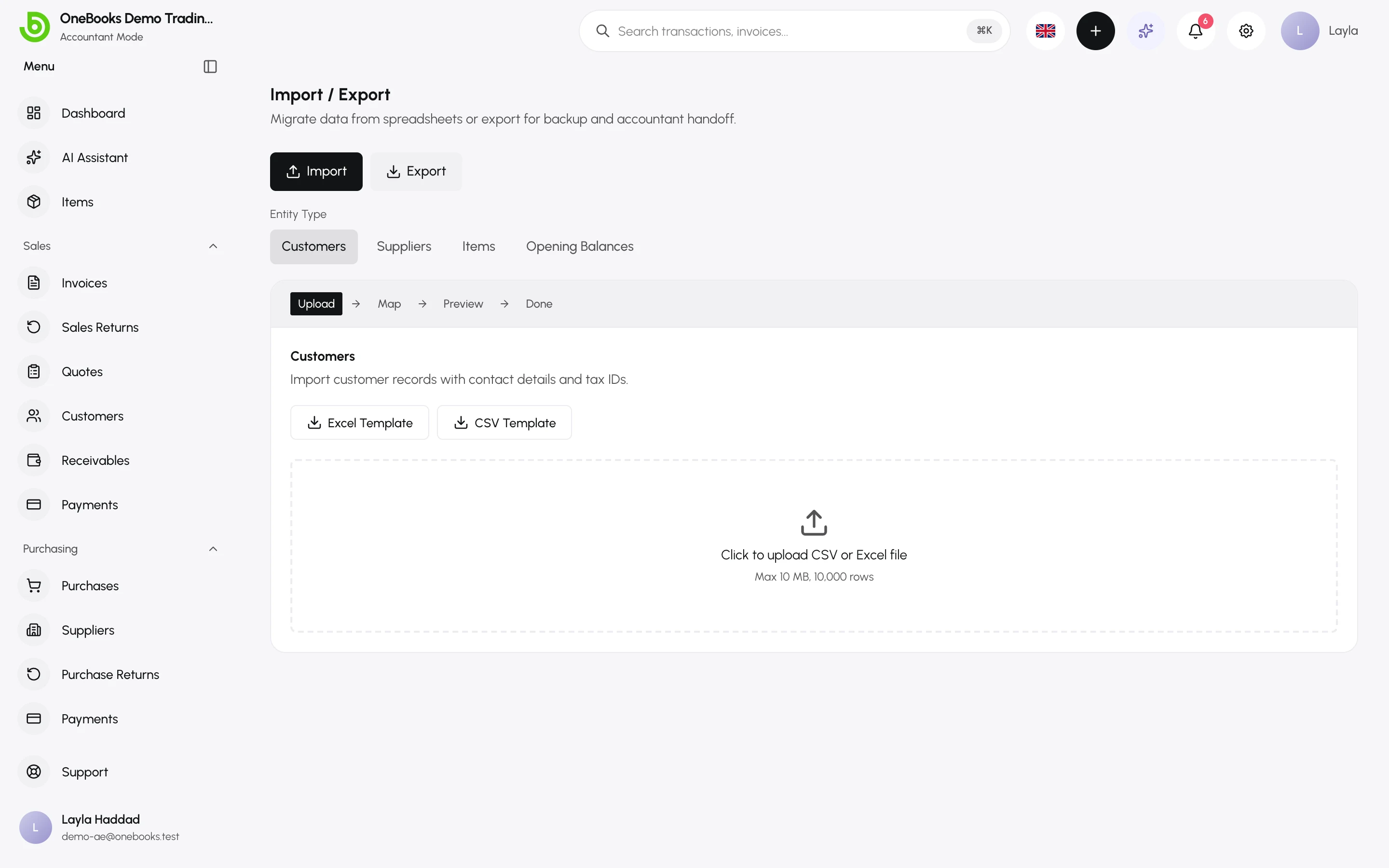
- Download the template for the entity, fill it in, and upload the file.
- Review the preview — OneBooks maps columns and shows the first rows.
- Fix anything flagged by Validate, then Commit.
Details and column lists: Import and export.
3. Enter opening balances
Section titled “3. Enter opening balances”Opening balances make the balance sheet right on day one.
- Customers who owe you and suppliers you owe — import with the Opening balances template (one row per customer or supplier), or open each customer or supplier and use Opening balance. Each one becomes a real, unpaid document so future payments settle it.
- Bank, cash, fixed assets, loans and capital — open Accounting → Chart of Accounts and set the opening balance on each balance-sheet account.
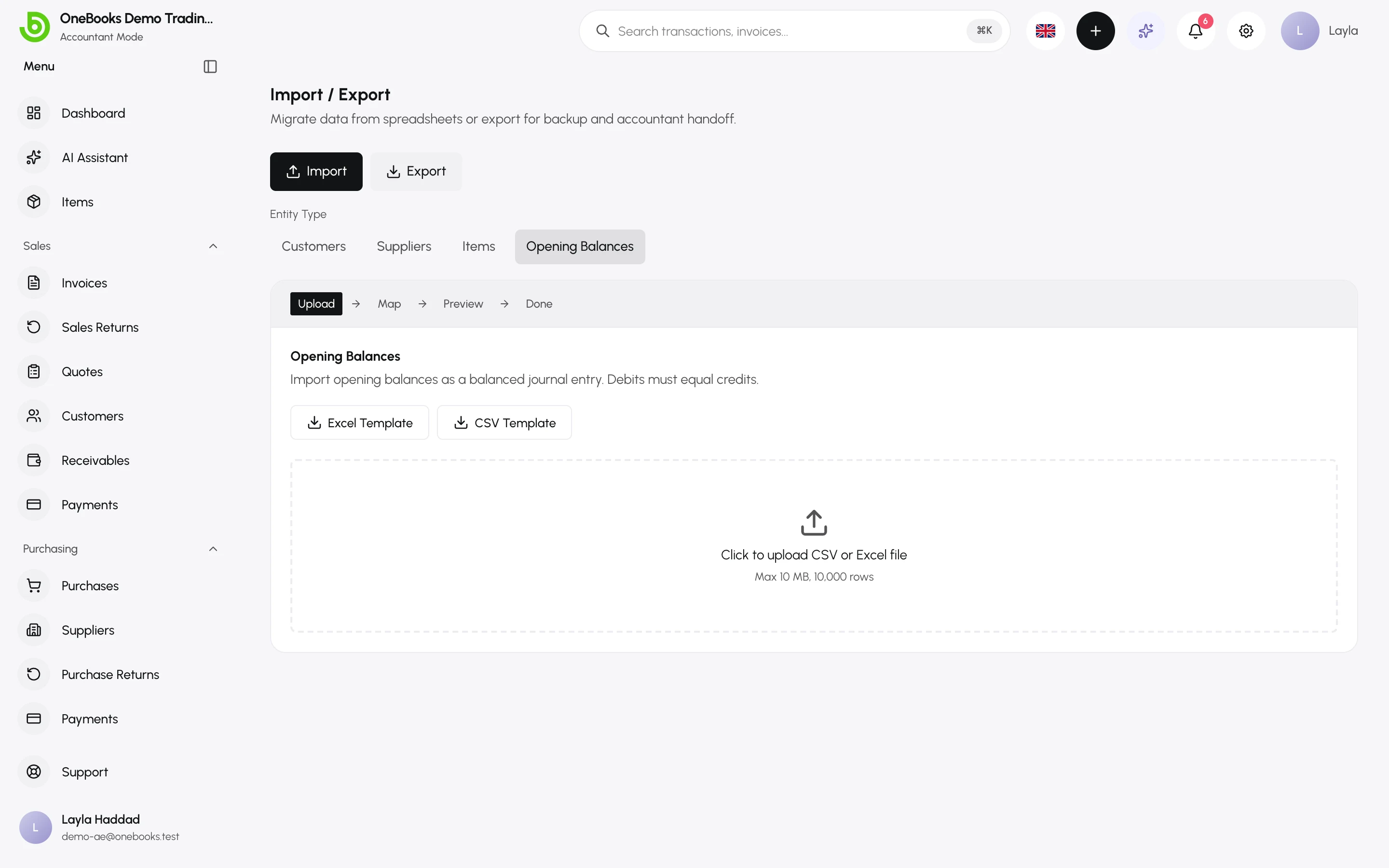
Opening balances post against 3050 Opening Balance Equity and are excluded from profit-and-loss activity. They are only allowed on balance-sheet accounts; year-to-date income and expenses of a mid-year migration are entered as a dated journal entry. See Opening balances.
4. Migrating from Tally
Section titled “4. Migrating from Tally”The Tally migration pulls ledgers, outstanding receivables and payables, and vouchers from a live Tally server through the OneBooks Tally Connector, and lets you review everything in the import wizard before committing. Vouchers are recorded at their original dates, so last year’s sales land in last year’s profit and loss. Ask support to enable it for your business. See Tally.
5. Verify
Section titled “5. Verify”- Reports → Trial balance as of the cut-over date should match the old system’s trial balance.
- Sales → Receivables and Purchasing → Payables should list every open balance.
- Reconcile the first bank statement early — Bank reconciliation.
What is not migrated automatically
Section titled “What is not migrated automatically”- Historical invoices and bills from systems other than Tally (keep the old system for reference, or export them to PDF).
- Bank history before the cut-over date.
- Inventory quantities — history is not imported and does not move stock. Enter each item’s current stock once as its starting figure; after that it moves with your documents. See Inventory fields.