

Creating an account takes two minutes. The person who signs up becomes the owner of the business and can invite everyone else later.
Sign up with email
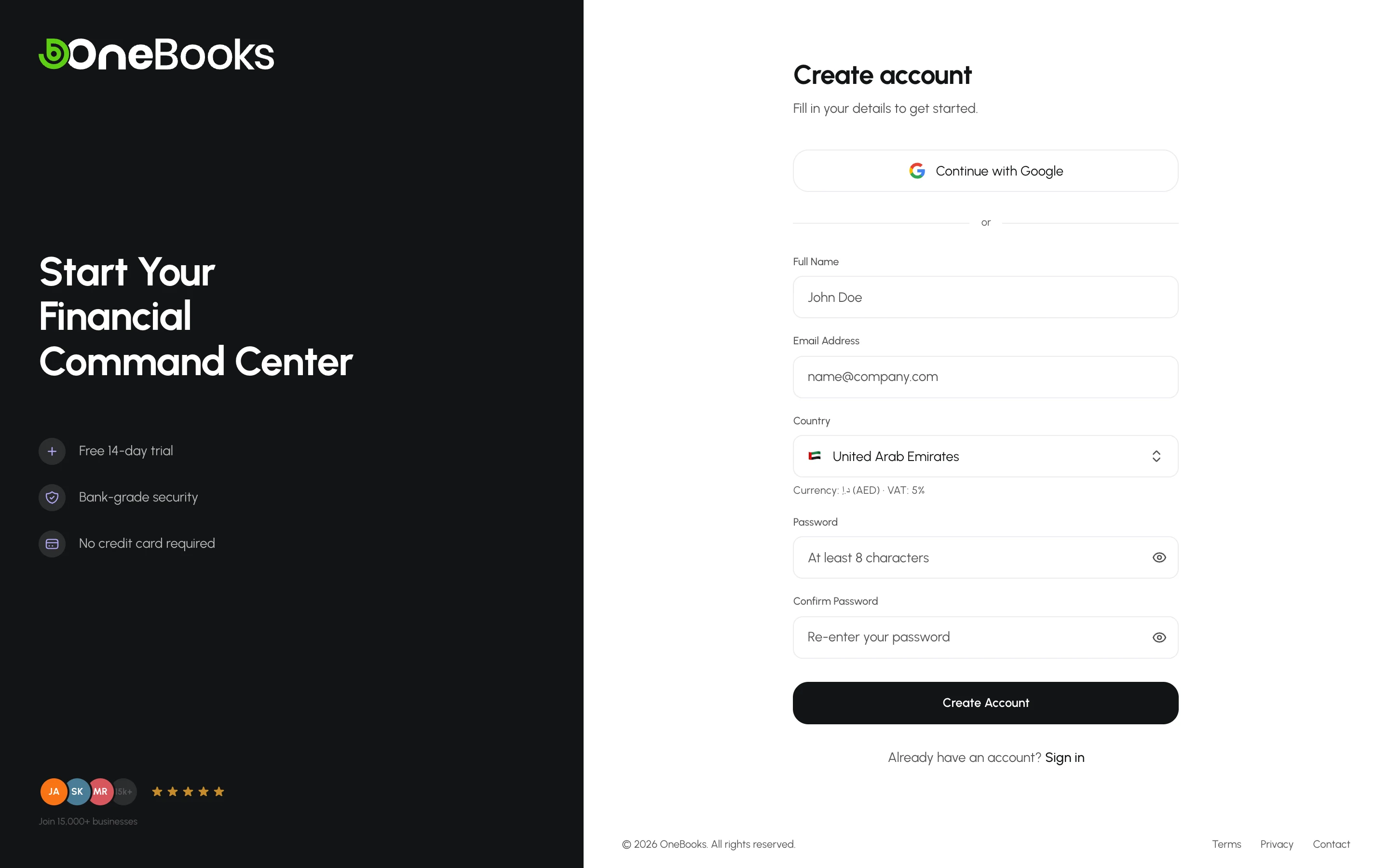
Section titled “Sign up with email”- Open the sign-up page at app.getonebooks.com/signup (or select Start free trial on the sign-in page).
- Enter your name, email address and a password. The password must be at least 8 characters.
- Choose your country. This sets your currency, tax name and default tax rate — see Choose your country. Businesses in the United States and India also choose a state.
- Select Create account.
If you arrived from the pricing page, the plan you picked (Free, Standard, Professional or Premium) is shown above the form. Free needs nothing more: every new business starts on it. For a paid plan, you land on Settings → Billing & Plan instead of the dashboard — through the verification link, or after you choose your country if you signed up with Google. There, You picked … offers that plan’s 7-day trial: select Try free for 7 days to start it. No card is needed, and nothing starts until you do. See Billing and plans.
Verify your email
Section titled “Verify your email”After signing up you receive an email titled Verify your email for OneBooks. Open the link inside it — it signs you in automatically and takes you to the dashboard.
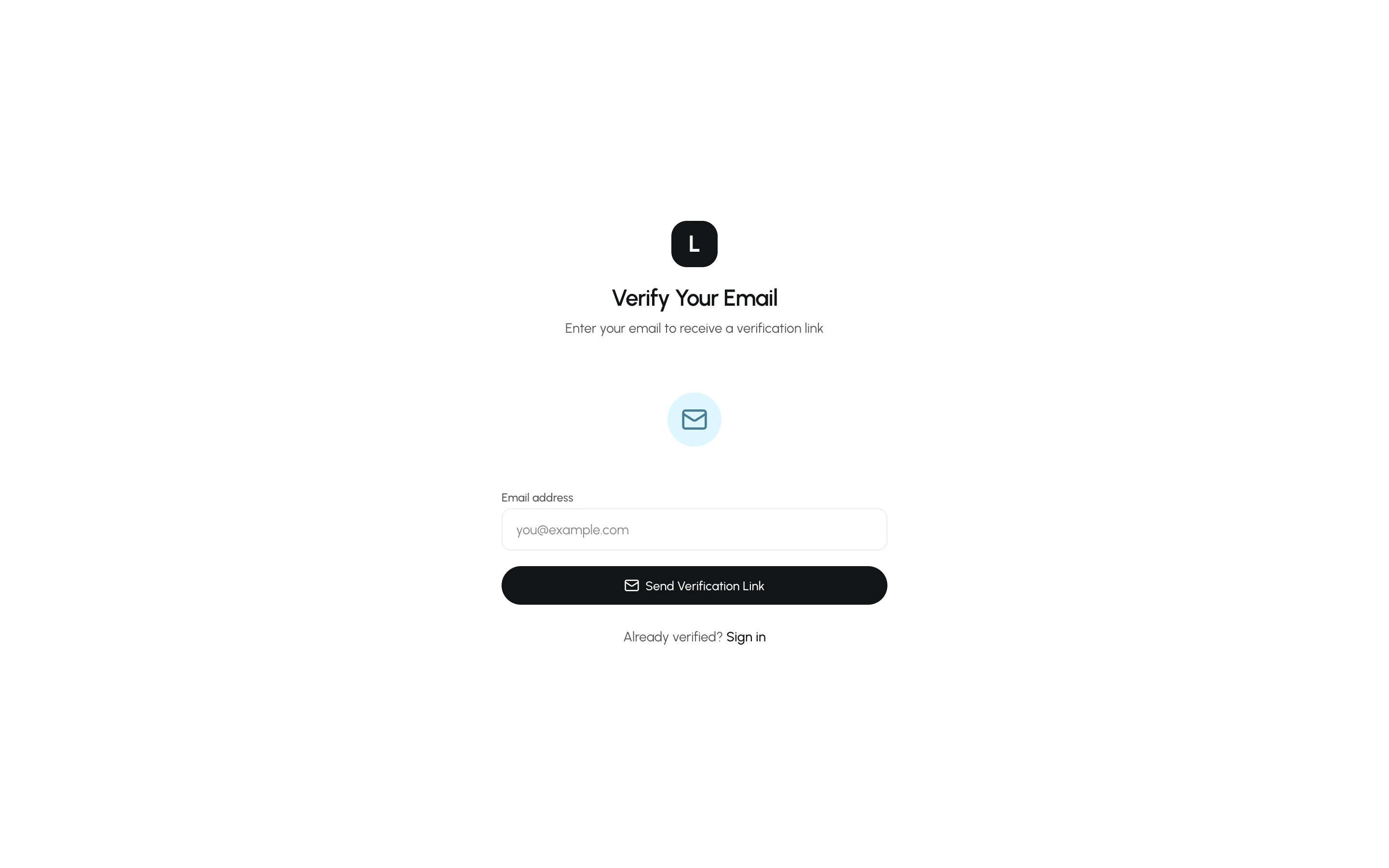
- Did the email not arrive? Check spam, then use Resend verification email on the sign-in page. Verification links expire, so request a fresh one if the link fails.
- Until the address is verified you cannot sign in; the sign-in page tells you so and offers to resend the email.
Sign up with Google
Section titled “Sign up with Google”Select Continue with Google on the sign-up or sign-in page and pick a Google account. Google accounts arrive without a country, so OneBooks shows the Set up your business screen once before opening the dashboard — see Choose your country.
Sign in
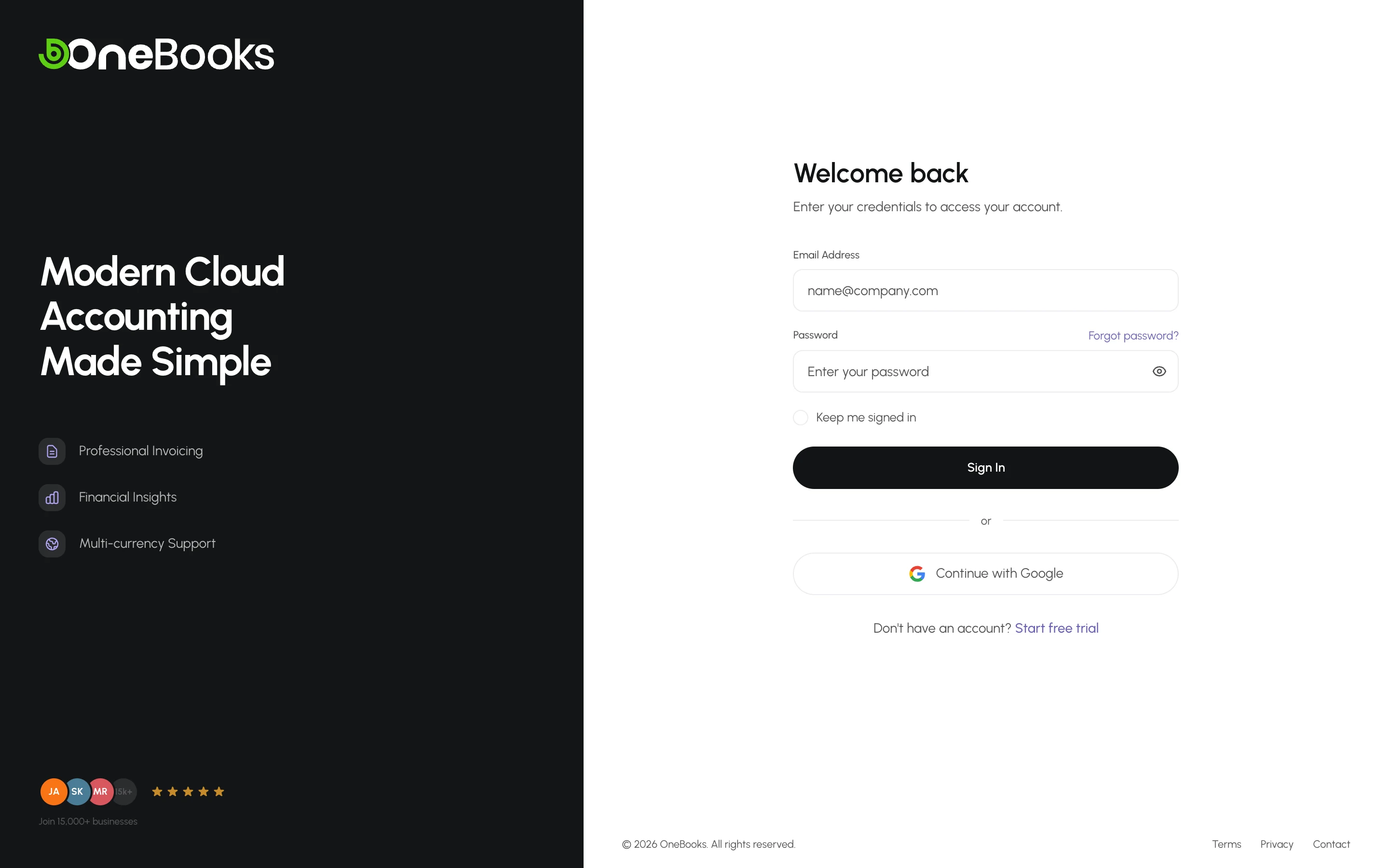
Section titled “Sign in”- Open app.getonebooks.com/login.
- Enter your email and password, or use Continue with Google.
- Tick Keep me signed in to stay signed in on this device for seven days; leave it clear on a shared computer.
Forgot your password?
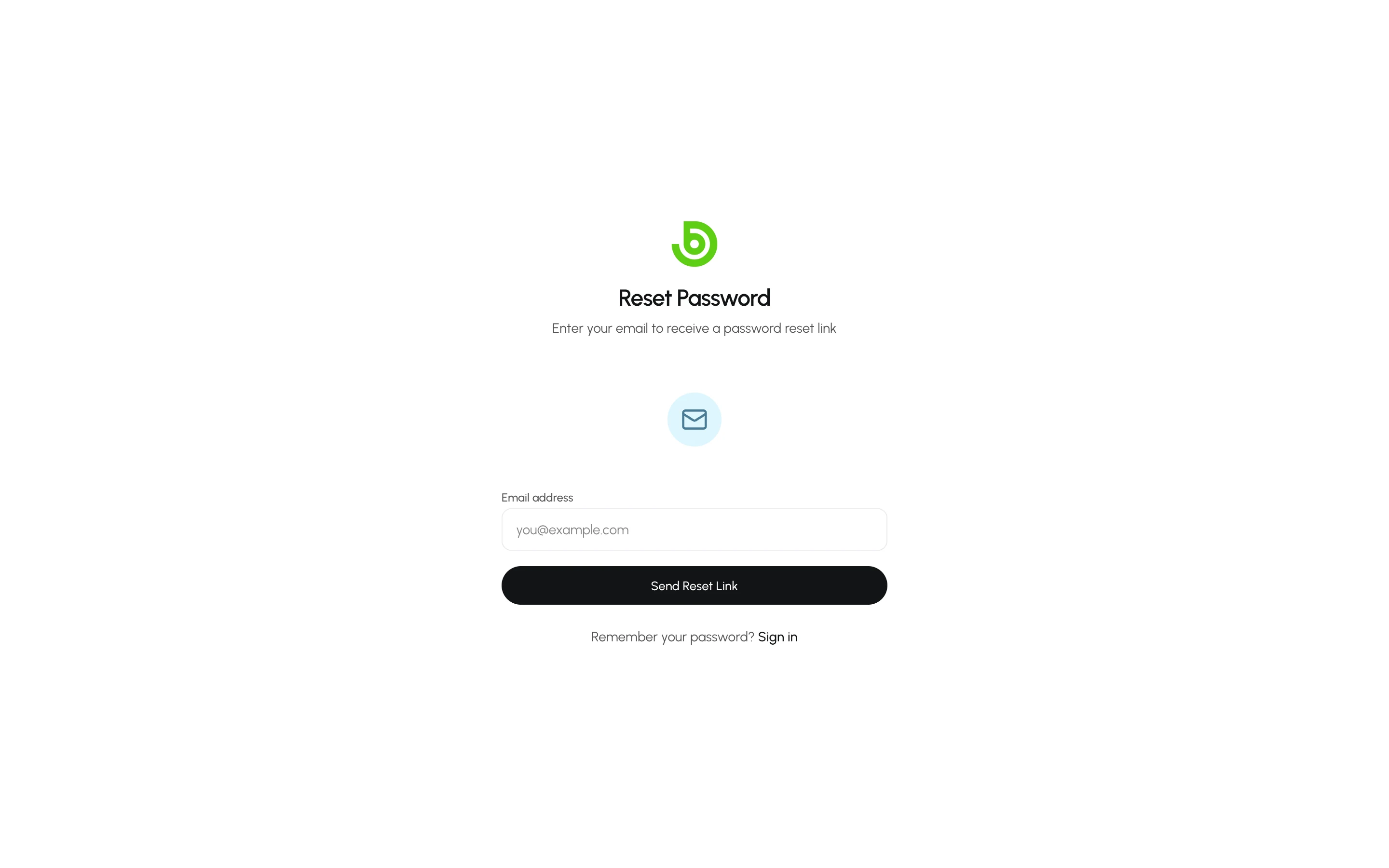
Section titled “Forgot your password?”Select Forgot password? on the sign-in page, enter your email, and follow the link in the reset email to choose a new password.
Troubleshooting
Section titled “Troubleshooting”- “Too many requests”. Sign-in is rate-limited to protect your account. Wait a minute and try again.
- “Email not verified”. Use the resend link on the sign-in page; the account exists but is not active yet.
- You signed up with the wrong country. The country can be changed in Settings → Business Profile until the first transaction is recorded; after that, open a support request — see Choose your country.